Know where every instrument is.
Track every loan, repair and reed in one place, and see what’s out, what’s overdue and what’s earning its keep.
Lending instruments is how a lot of students get to start. It’s also how instruments end up in a cupboard nobody remembers, or at a student’s house long after the term ended. Give every instrument a proper record and nothing disappears into the ether.
Example data shown.
No more instruments lost to the ether.
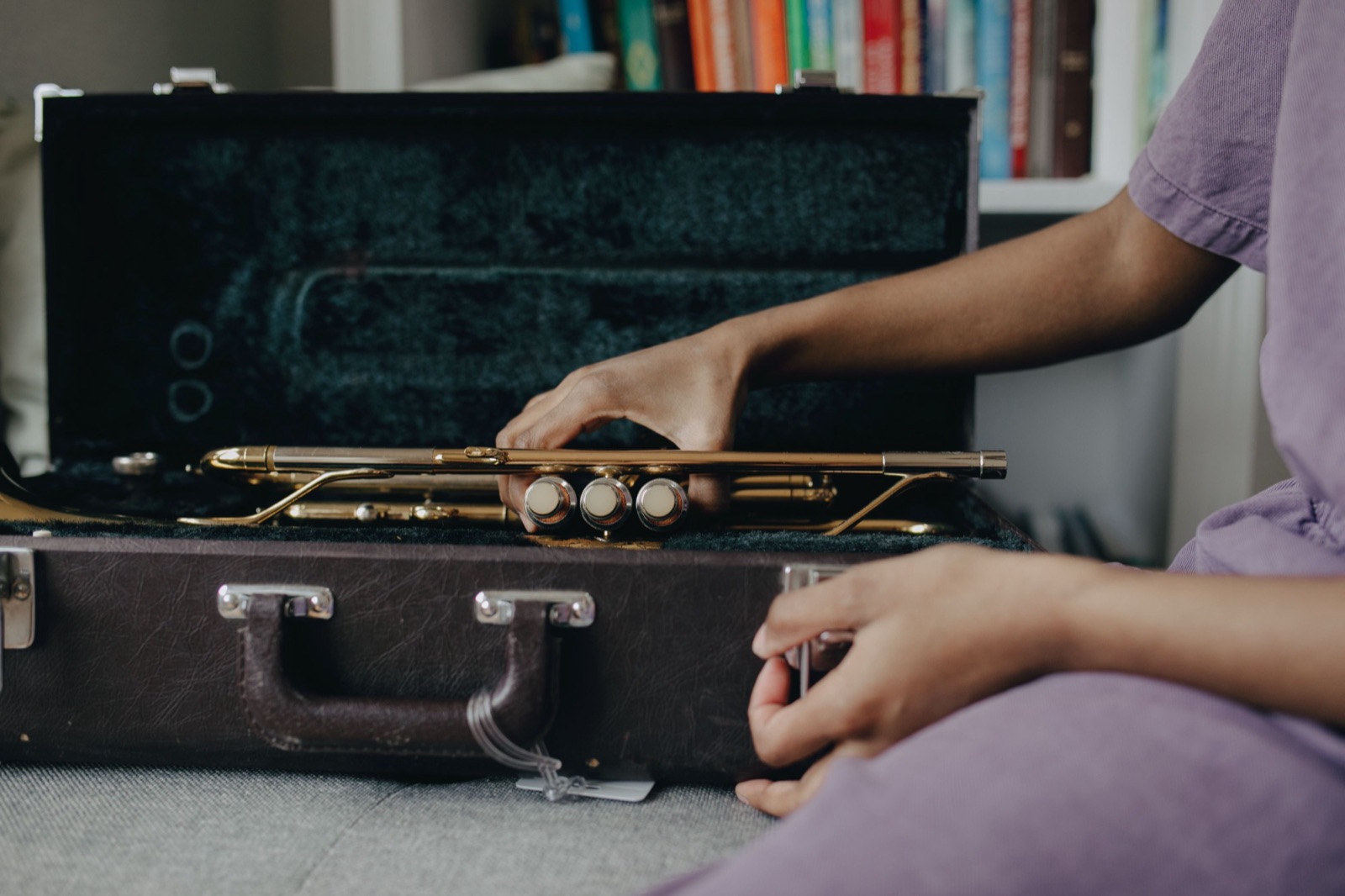
Every instrument gets its own page: its serial number, condition, photos and a full history of everyone who’s ever had it.
When a student takes one home, you record it in a few seconds. From then on, Octavia knows where it is.
Example data shown.
Lend it
Choose the student and the date it’s due back. Add a hire charge if you make one, or lend it free. Confirm what it looks like today.
See where it is
The instrument shows as On loan, with the borrower’s name and due date. It can’t be lent to someone else by mistake.
Get it back
Record the return, update its condition and add photos as returned. It’s back on the shelf, ready for the next student.
When it’s late, you’ll know
The moment the due date passes, the instrument flips to Overdue: in red on its own page, in the instrument list and in the item’s overview. No spreadsheet to check, no sticky note to remember.
- Filter your Equipment list to Has overdue instruments and you have your chase list.
- Each overdue instrument shows who has it and how long they’ve had it.
- Every student’s page has an Equipment tab showing what they currently have and when it’s due.
A record of its condition, both ways
Before an instrument leaves, you confirm its photos still show how it looks now, or take new ones. They’re kept with that loan, and you can add more when it comes back. If something has changed while it was out, you’ve got the record.
Example data shown.
Fix it before it’s too late.
Instruments rarely break all at once. A loose peg, a lifting seam, a buzzing string: somebody notices, nobody writes it down, and a few terms later it’s beyond saving.
Log the problem the day it’s spotted and it stays on the record until it’s fixed.
From “it’s broken” to “it’s fixed”, all on the record.
Log a problem the day it’s reported: what’s wrong, where it’s being repaired, what it costs. While a repair is open the instrument shows as In repair and can’t be lent, so nobody is handed a cello with a cracked seam.
- See what needs attention. Instruments in repair show in the item’s overview and in the list, so you can see at a glance what’s out of action.
- Photos before and after. Attach pictures when you log a repair and again when it’s done.
- Costs add up for you. Each instrument keeps a running total of what its repairs have cost.
- Passing the cost on. If a student broke it, choose Charge a student and the repair cost becomes a charge ready for their invoice. You can change the amount first.
Example data shown.
Is that cello paying for itself?
Hiring instruments out can be a tidy little earner, or a quiet money pit. The only way to know is to keep the numbers.
Octavia keeps them for you, against every instrument: what you paid for it, what its repairs have cost, and what hire has brought in.
- Set the hire fee once. Give each type of instrument a default fee and period (term, half year or year), and every loan starts with the right schedule.
- Charged the way you work. Bill hire once, each term, every half year, every year or monthly. Every charge is created when you lend, and waits for you to invoice it.
- Real money, not estimates. Hire figures come from your actual invoices and payments, so “collected” means paid.
- Kept private. Hire income is for admins, and purchase prices and repair costs are only for people you allow to edit.
Example figures for one instrument.
Example data shown.
Reeds, strings and books, counted as they go.
Hand something to a student in a couple of clicks. Mark it as a sale and it becomes a charge ready for their invoice, or as a give-away and it doesn’t.
If it comes in versions, such as reed strengths, string sizes or book titles, each version gets its own price and its own count.
Count as you go
Enter what’s on the shelf once. After that the count drops with every sale, give-away and loan, and goes up when you receive a delivery.
Low and out, at a glance
Set a reorder level and a Low stock or Out of stock badge appears when it’s time. Nothing is emailed, and it never stops you handing something out.
A history you can trust
Every change is listed with the date, the student and who recorded it: stock received, adjustments, hand-outs, loans and returns.
Class sets and handbooks? Just count them.
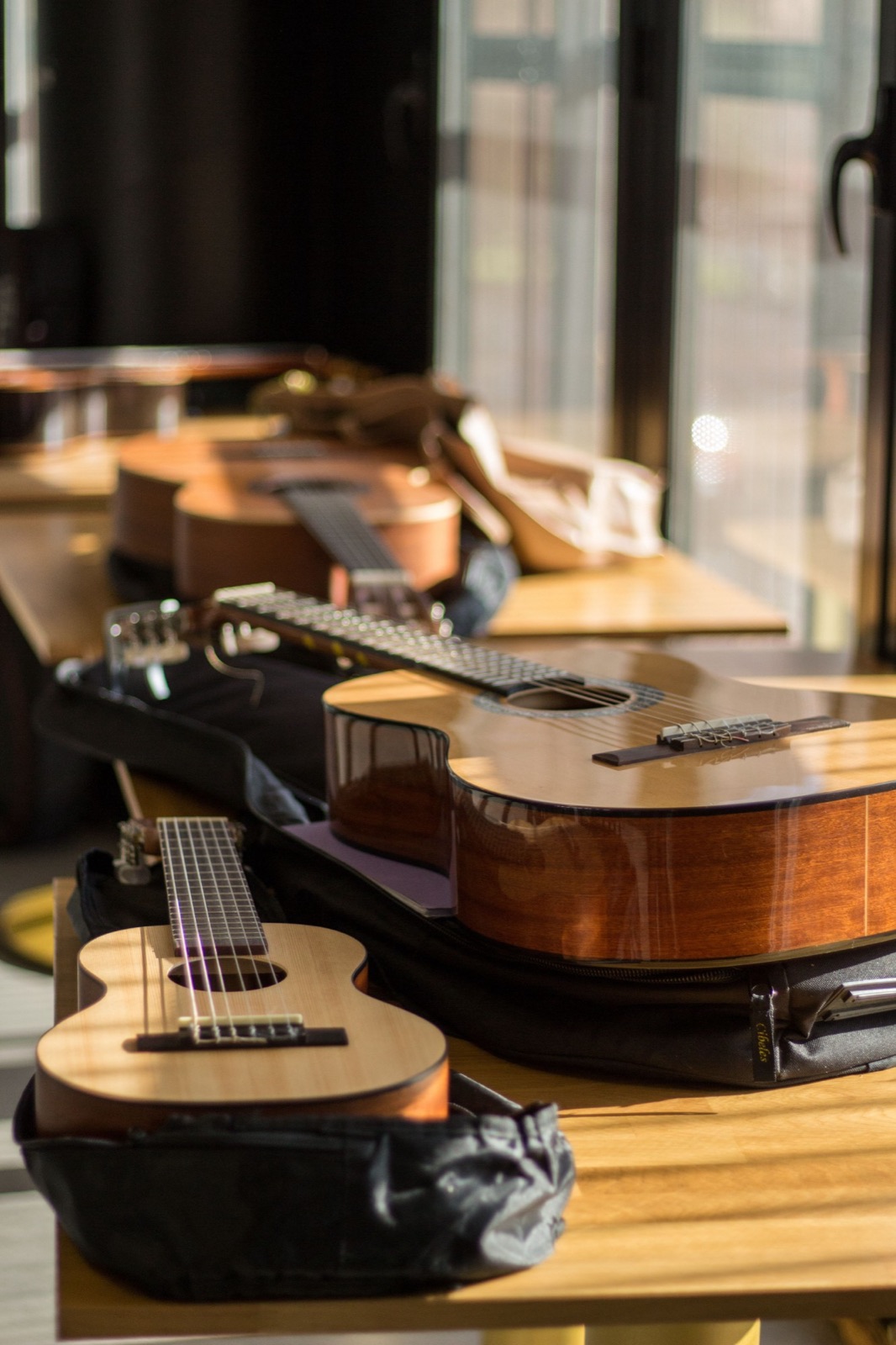
You don’t have to track every ukulele by serial number. For things you lend in bulk, such as a class set of ukuleles or a stack of exam handbooks, Octavia counts how many you own, how many are out, and which student has some. You can lend them free and note when each is due back.
Need to know exactly which one a student has, or want to charge hire? Track that item one by one instead, with its own page and photos.
Example: a class set of guitars. Example data shown.
Works with the invoices and teachers you already have
Charges wait for you
Sales, hire fees and charged repairs collect on a Waiting to be invoiced list. You tick the ones you want, add them to an invoice, and send it as usual. Nothing is billed automatically. If you export to Xero, each item can carry its own category.
You choose who does what
Admins see everything. Teachers see only the items you give them, and you decide whether each one can hand an item out, edit it, or both. Or switch on one item for every teacher.
Photos stay private
Keep up to ten photos for each instrument, taken on the spot or added from a computer. Only people who can see the instrument can see its photos, and you can download them all in one go.
Questions schools ask
Who can use the Equipment tracker?
Equipment is included with Octavia’s Studio plans. Admins can see and manage everything. Teachers see the items you give them access to, and you choose whether each teacher can hand an item out, edit it, or both.
Do I have to track every single item?
No. Track instruments one by one when you want photos, a condition record and a loan history for each. For things like a class set of ukuleles or a pile of handbooks, you can simply count them: how many you own, how many are out, and who has some.
Does Octavia bill families automatically for hire or sales?
No. Every sale, hire fee and charged repair becomes a charge that waits for an admin. You add the charges you want to an invoice, and nothing reaches a parent until you send that invoice.
What happens to the loan record when a student leaves?
It stays. A student who has ever borrowed an instrument can’t be deleted from your school, so the record of who had what, and when, is never lost. Discontinue the student instead and their history is kept.
Who can see the money figures?
Hire income is visible to admins only. Purchase prices and repair costs are visible only to people who are allowed to edit that item. Everyone else sees the instrument, its status and its loans, without the money.
Give every instrument a proper home
Add your instruments, lend the first one, and see how much calmer the instrument cupboard feels when you know where everything is.