
How to run a Practiceathon at your school
A practical guide to planning a challenge that boosts practice, builds community, and can raise money too.
A Practiceathon is a time-limited practice challenge where students log their minutes over a few focused weeks and work toward a shared goal.
You can keep it simple as a practice-only event, or add fundraising and turn it into a school-wide campaign with sponsors, updates, and prizes.

What is a Practiceathon?
A Practiceathon is a time-limited practice challenge. Students commit to practising over a set period, usually two to four weeks, and log the minutes they complete along the way.
The structure matters: everyone is working toward the same goal at the same time, which makes practice feel visible, social, and easier to stick with.
You can run it purely to build stronger practice habits, or add a fundraising layer so families and supporters can back the effort financially as well.
Start simple or make it a fundraiser
The core challenge stays the same either way. The difference is whether you want to focus purely on building practice habits or add sponsor and donation workflows too.
Practice-only
Students set a goal, log practice, and work toward shared milestones. This is a great fit for habit-building, recital preparation, or a lower-admin event at the start of the year.
Practiceathon with fundraising
Students still log their practice, but families and supporters can also pledge or donate. This adds motivation for many students and creates a fundraising event connected to your actual music program.
Plan the event before you worry about the platform
A successful Practiceathon usually comes down to six clear decisions: the timeline, the participant group, the tracking method, the parent communication plan, the motivation strategy, and the follow-up afterwards.
A good Practiceathon feels structured, not complicated
Two to four weeks is the sweet spot. It gives students enough time to build momentum without making the challenge feel endless.
Parent communication is usually the difference between a smooth event and a confusing one. Start with a simple announcement, then follow with the detail closer to launch.
Weekly updates matter. Even a short leaderboard note, milestone, or reminder can keep participation much higher than a one-and-done launch.
Pick the system that matches the size of the event
The simplest option is not always the lowest-effort one. As soon as you want live progress, cleaner verification, or fundraising, your tracking choice matters a lot.
Paper logs
Simple, familiar, and easy for younger students to understand.
Google Form / spreadsheet
Gives you online submissions and a workable leaderboard without much setup cost.
Octavia
Students log practice in the Family Hub, parents can verify sessions, and leaderboards and fundraising pages update automatically.
Keep parents informed and give students plenty to aim for
Download the free Practiceathon Resource Pack
Get the ready-to-use templates, checklists, parent emails, student tracker, and planning resources to run your own practiceathon.
The full templates, sponsor letter, paper practice log, assembly script, and follow-up email live in the resource pack so this page can stay practical and focused.
Want Octavia to handle the admin for you?
If you want the practical guide above, plus built-in tracking, leaderboards, parent verification, and fundraising workflows, here’s what Octavia does for you.
Students practise in the app they already have
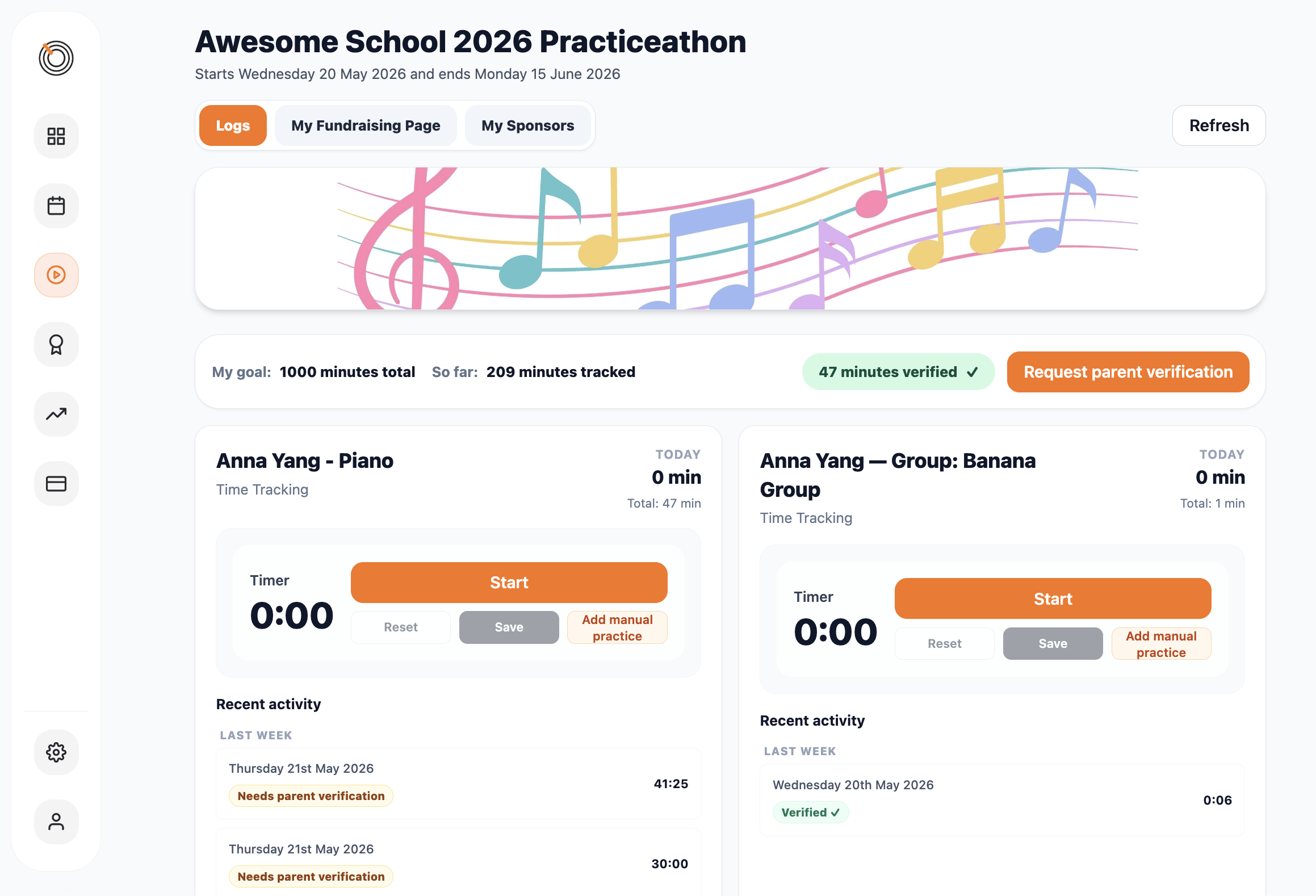
There's nothing new for students to install or sign up for. Enrolled students see the Practiceathon in their Family Hub, use the built-in timer to log sessions, and watch their minutes accumulate toward the campaign goal.
Students can set their own personal practice goal for the campaign. They see their current progress against it, and where they sit on the school leaderboard — if they've chosen to opt in.
Parents can also log practice on behalf of younger students from their own Hub login — no extra steps, no extra apps.
A public page that shows your school's progress in real time
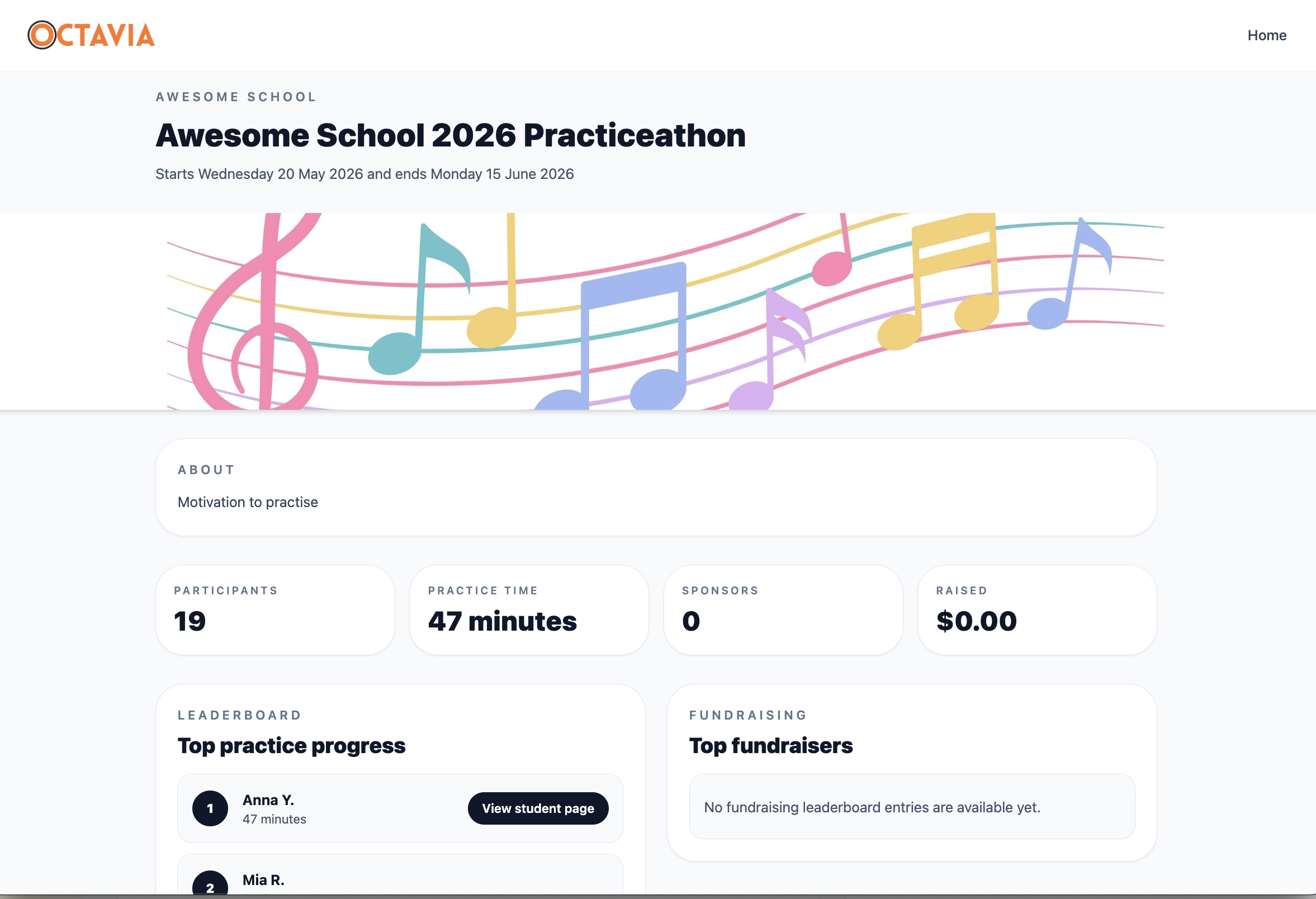
Every Practiceathon gets its own public page — a live view of the campaign with school-wide totals, the student leaderboard, and (if you've added one) a campaign fundraising goal and progress bar.
Share the link with families and supporters. No login required to view it. It updates automatically as students log practice throughout the campaign.
You control when the page goes public — keep it in draft while you're setting up, and publish it when you're ready.
Want to raise money while you're at it?
Fundraising is a completely optional layer you add to any Practiceathon. Run the campaign as a pure practice event, or enable pledges and donations and turn it into a fundraiser for your music school or a charity of your choice.
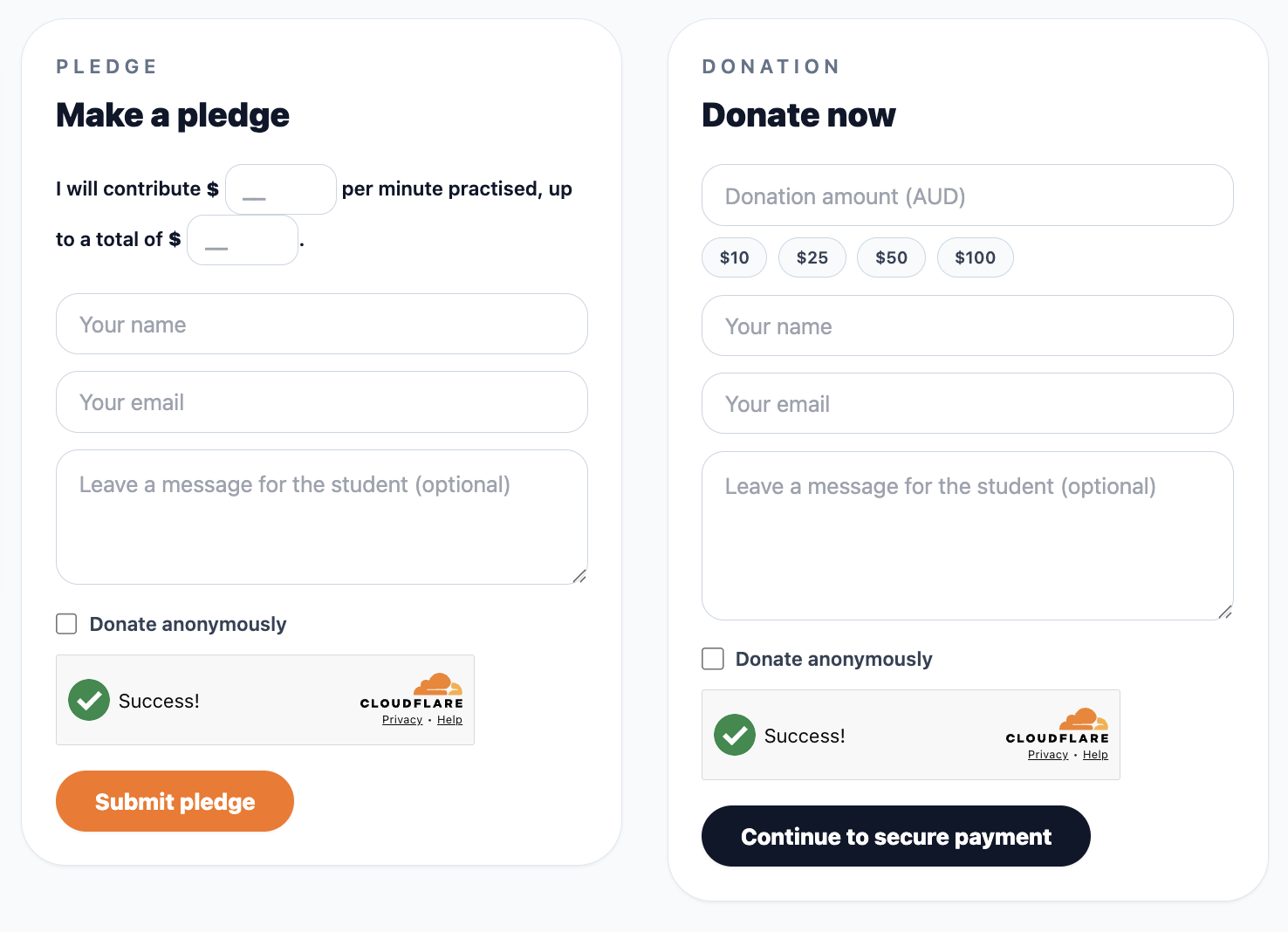
Two ways for supporters to back your students
Pledge per minute practised
Supporters commit to donating a set amount for every minute the student practises during the campaign. No money changes hands at pledge time — at the end of the campaign, you trigger the collection emails and supporters pay based on actual practice logged.
Donate now
Supporters make an immediate donation of any amount directly through the student's public page. Payment goes through Stripe straight into your school's connected account — no Octavia fees on donations. Funds are yours from the moment the payment clears.
Both modes can be enabled for the same campaign. Supporters choose how they'd like to give.
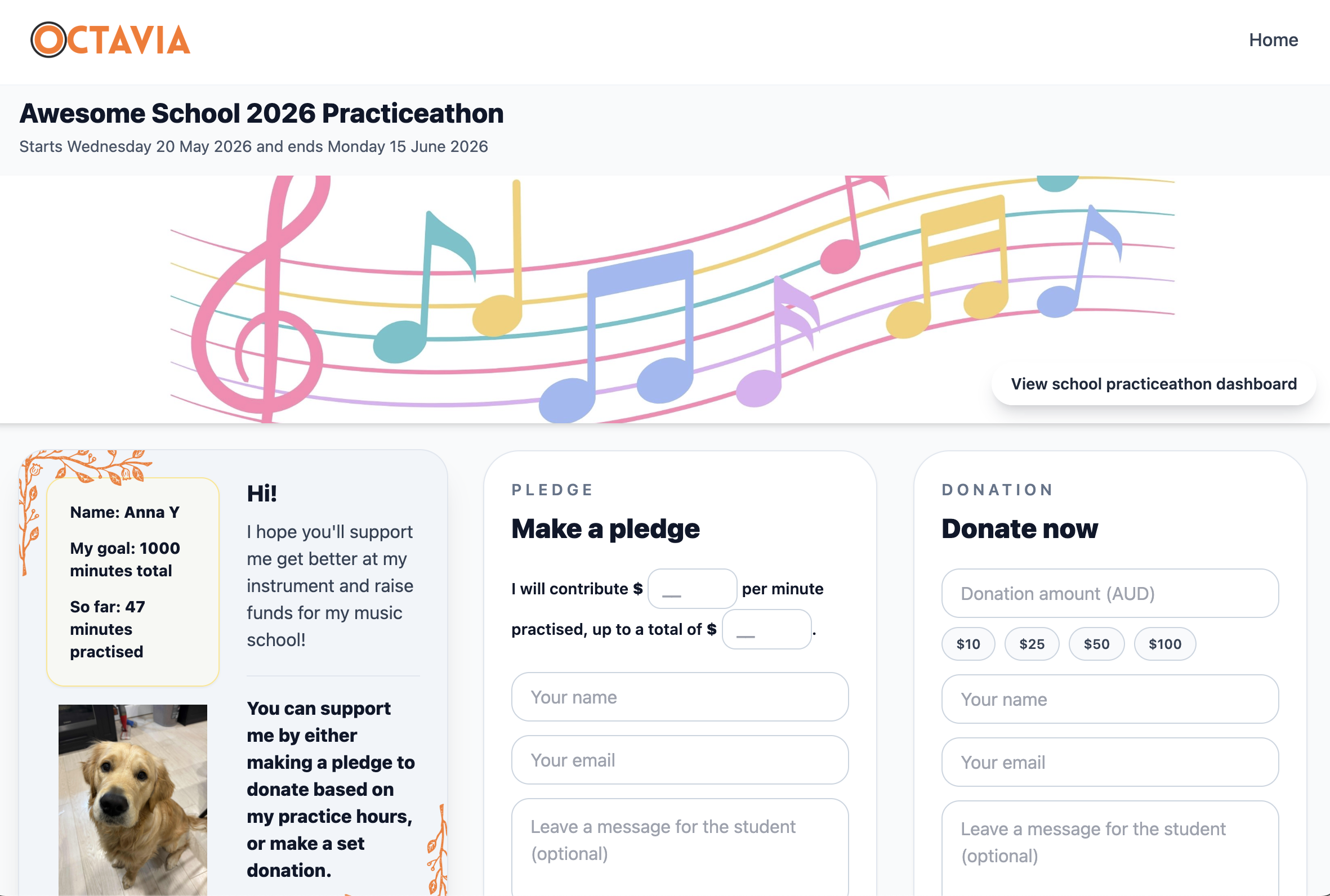
Every student gets their own public fundraising page
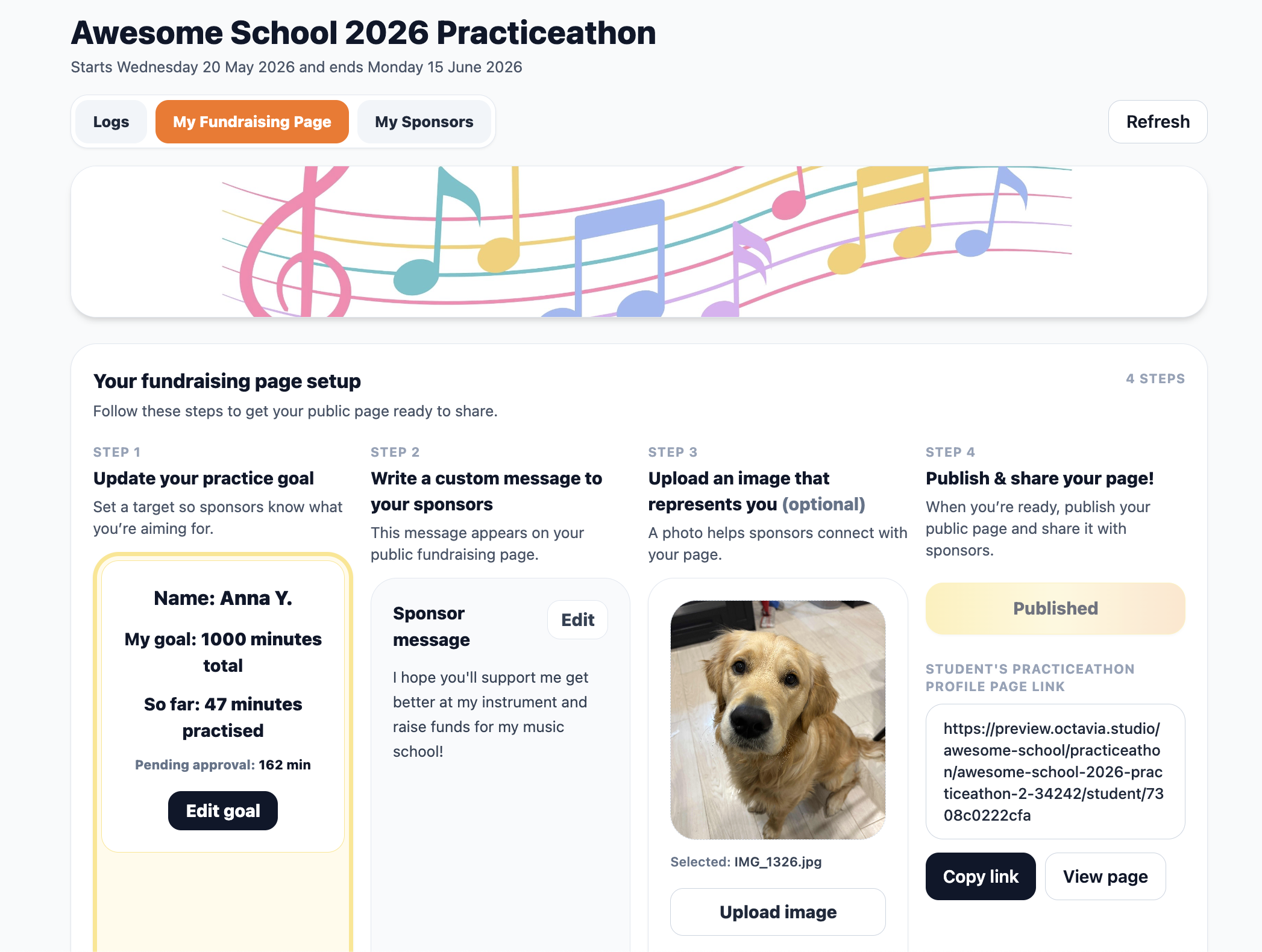
When fundraising is enabled, each enrolled student has a personal public page showing their practice progress and how much they've raised. Students can upload a photo and set a personal goal — giving supporters something to connect with.
Anyone with the link can visit the page, leave a pledge, or make an immediate donation — without needing to create an account or log in to anything. Share the link on social media, by email, or however families communicate.
The school's campaign page rolls up everyone's individual totals and shows the full picture — aggregate minutes, aggregate funds raised, and a live leaderboard.
Collecting pledges is handled for you
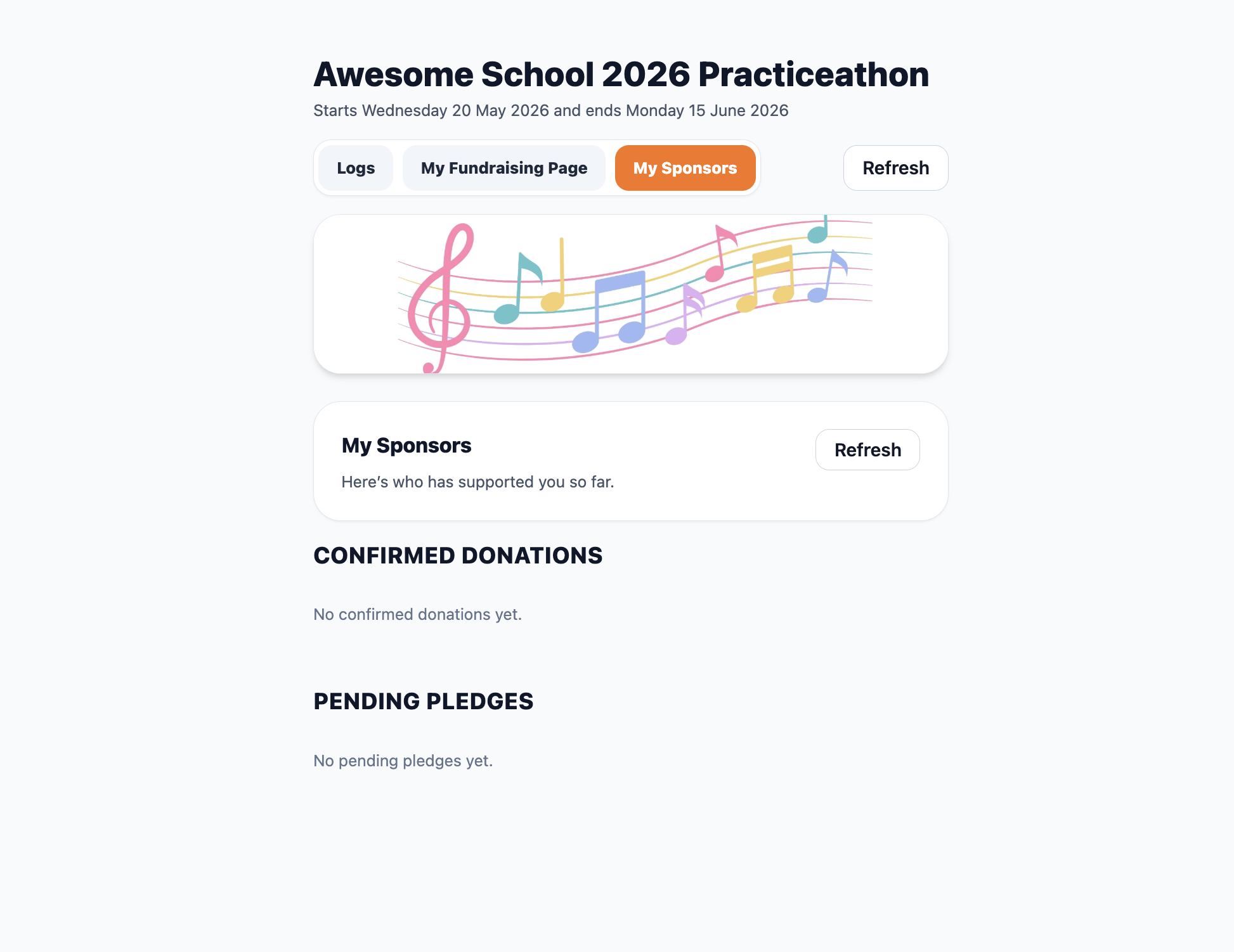
When the campaign ends and final practice totals are confirmed, you trigger the pledge collection process directly from your Practiceathon dashboard. Octavia calculates what each pledge sponsor owes based on the student's actual minutes logged, then sends them a personalised payment email with a secure link.
Supporters follow the link, confirm the amount owed, and complete payment through Stripe Checkout. Pledges can round up to a higher amount if they choose. Once paid, the student's fundraising total updates automatically and a receipt is sent.
You can send reminder emails to sponsors who haven't paid yet, and track who's settled and who's outstanding from your dashboard.
Set it up the way that works for your school
Every setting has a sensible default. Change only what matters to you.
Ready to run your first Practiceathon?
Create an account, set up your campaign, and your students can start logging practice the same day.