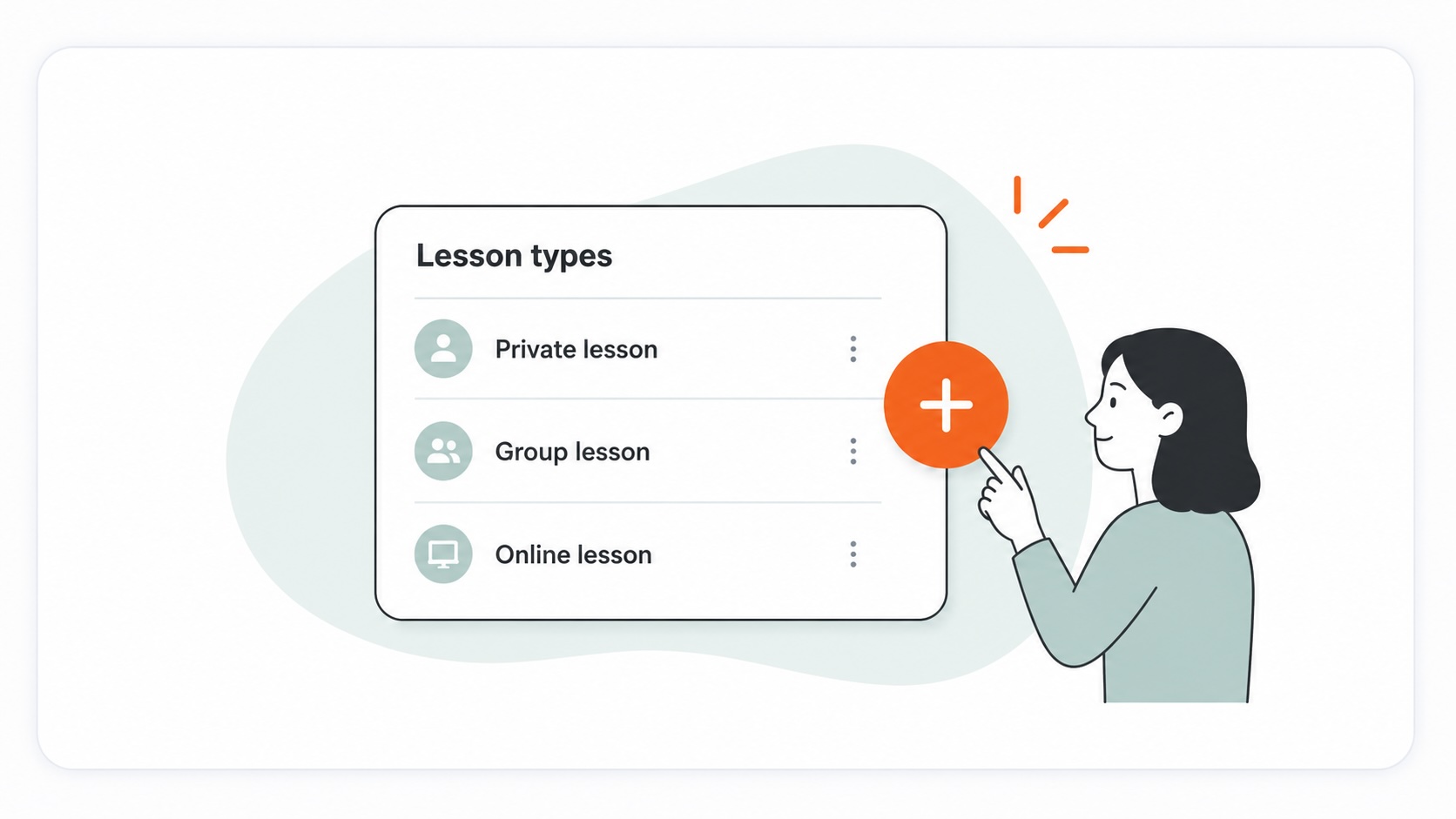
How to add a lesson type
settingslesson types
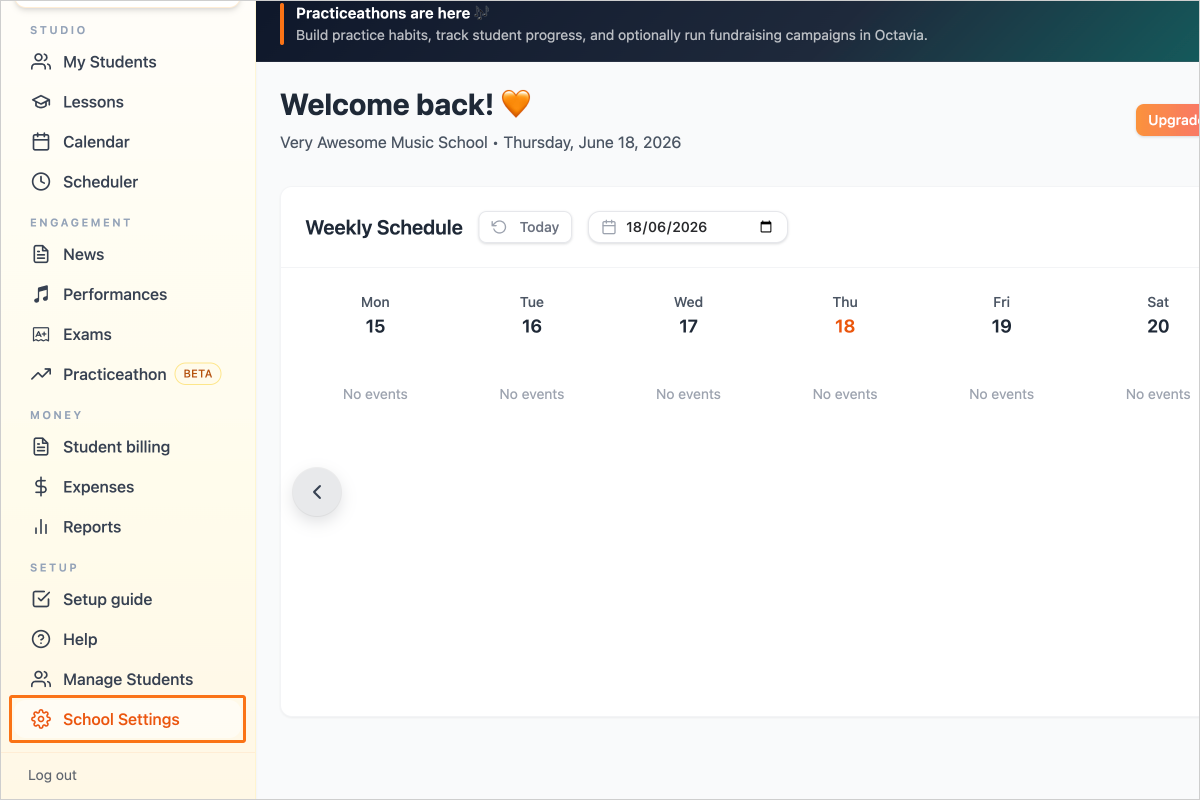
Step 1 — Click on the "School Settings" link in the sidebar
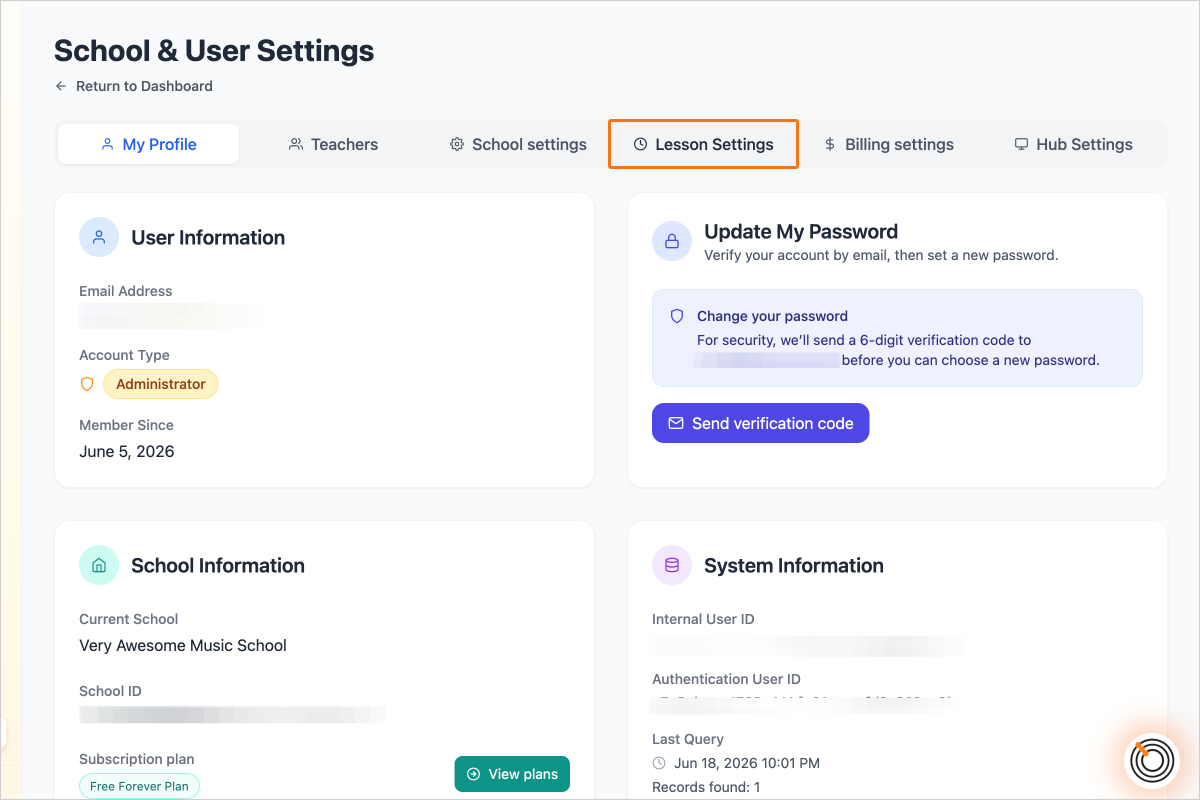
Step 2 — Go to the "Lesson Settings" tab
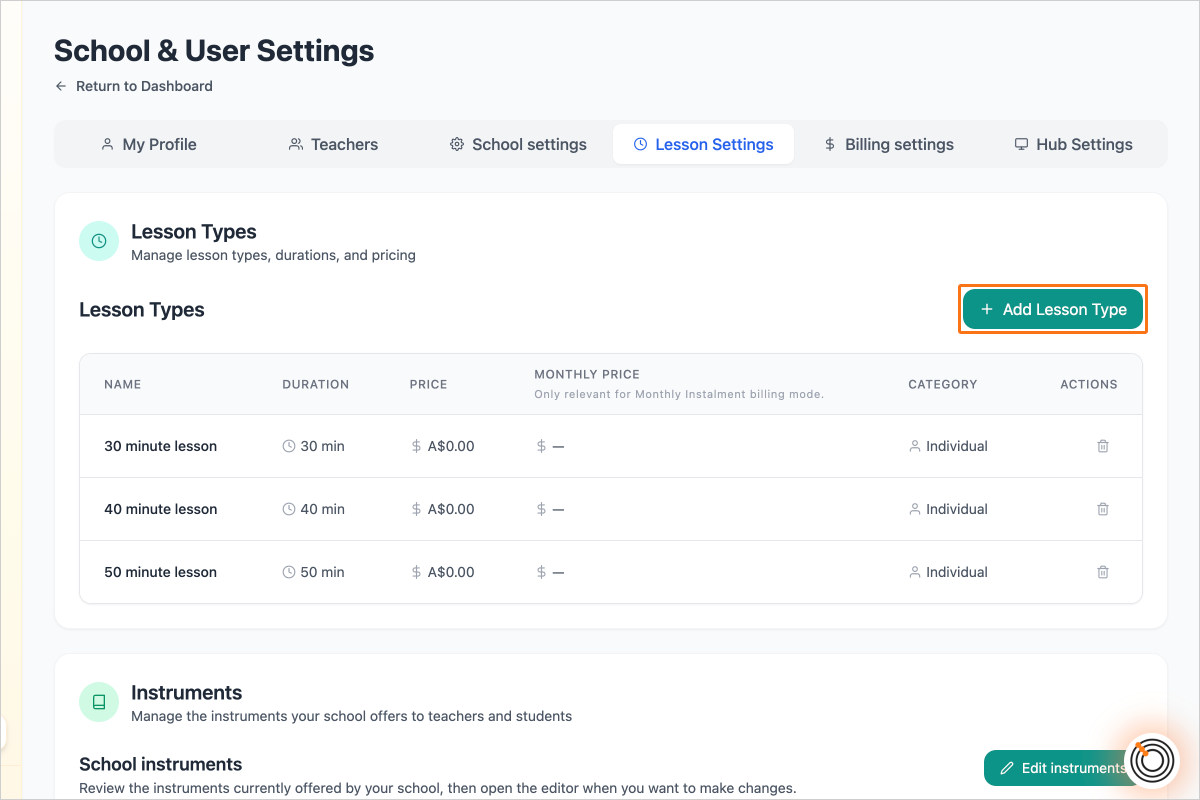
Step 3 — Click on the button "Add Lesson Type"
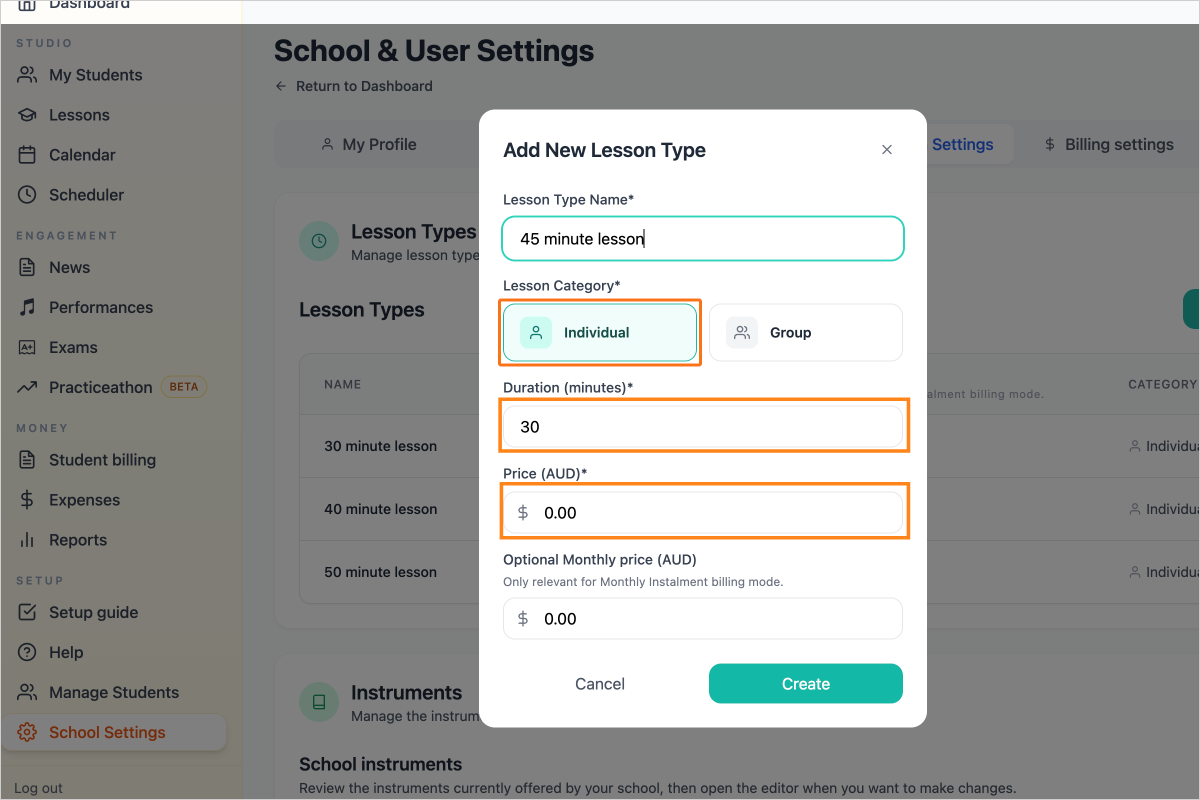
Step 4 — Enter the details, select the Lesson Category (Individual or Group), select duration and price
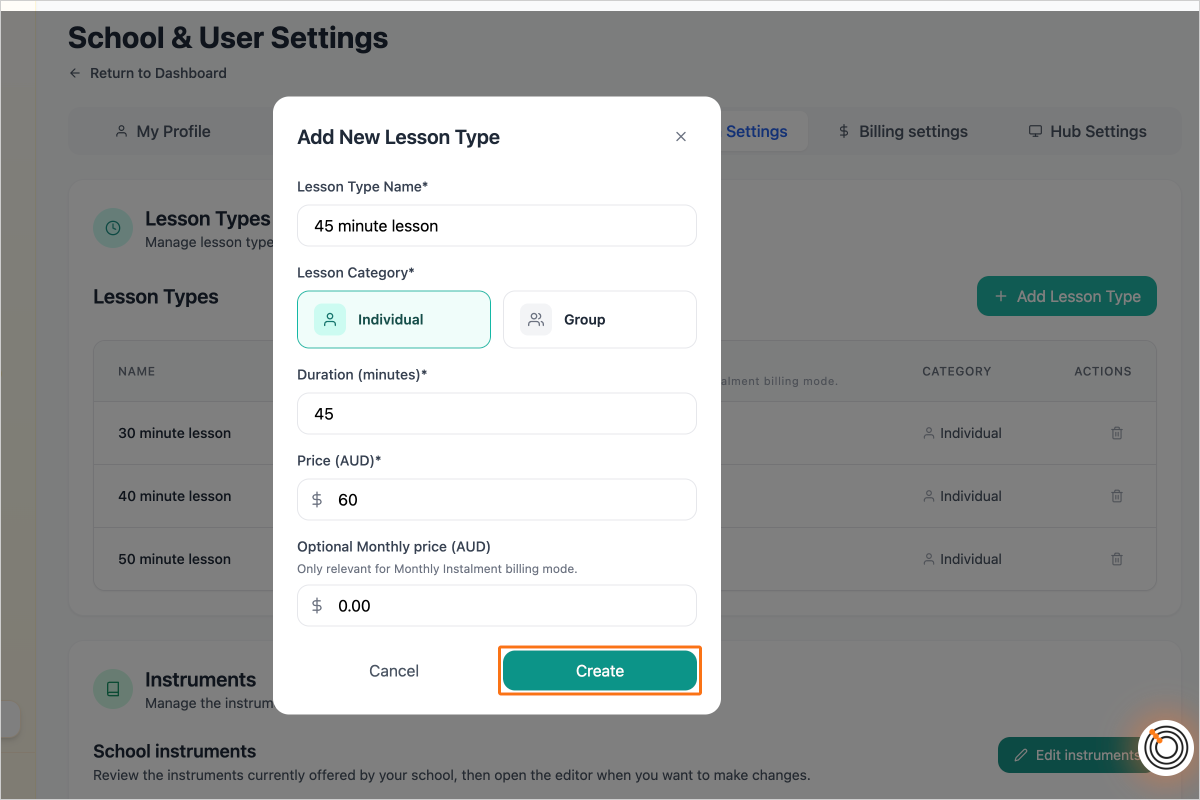
Step 5 — Click "Create"
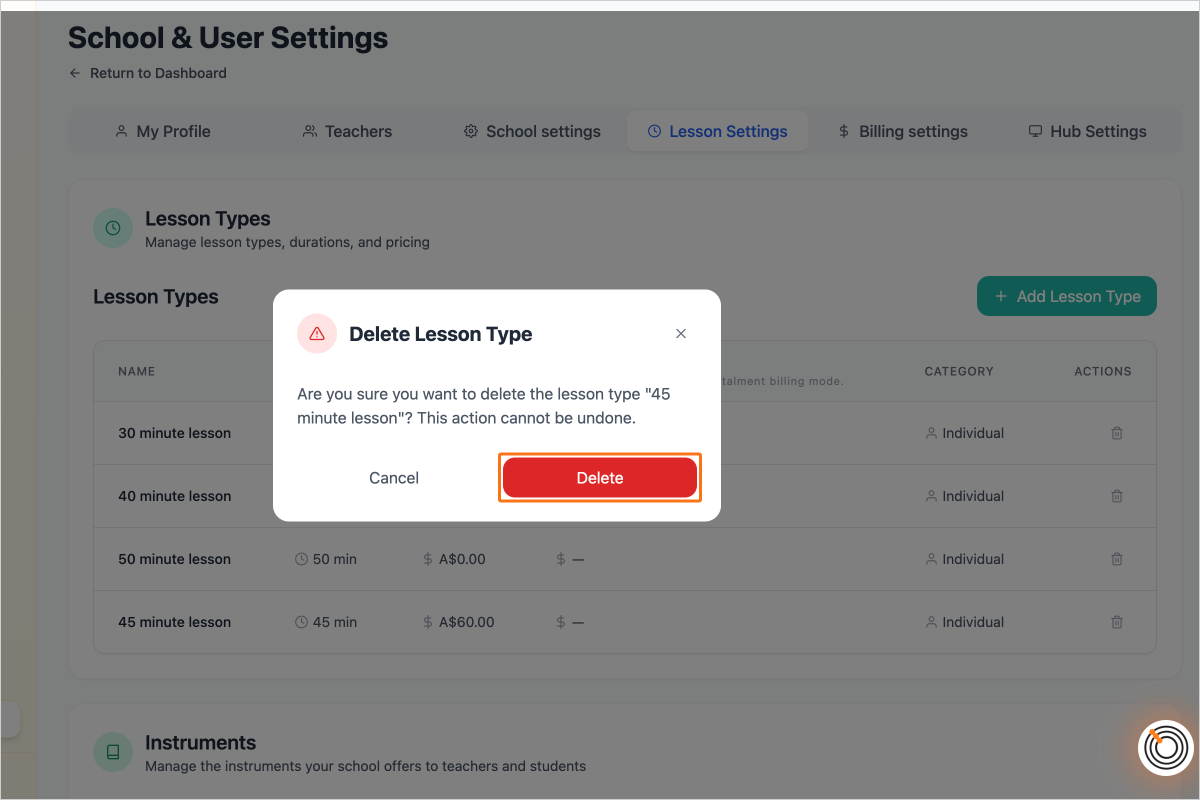
Step 6 — To edit the lesson type, simply click anywhere on the lesson type's row.
To delete a lesson type, click on the trash can icon
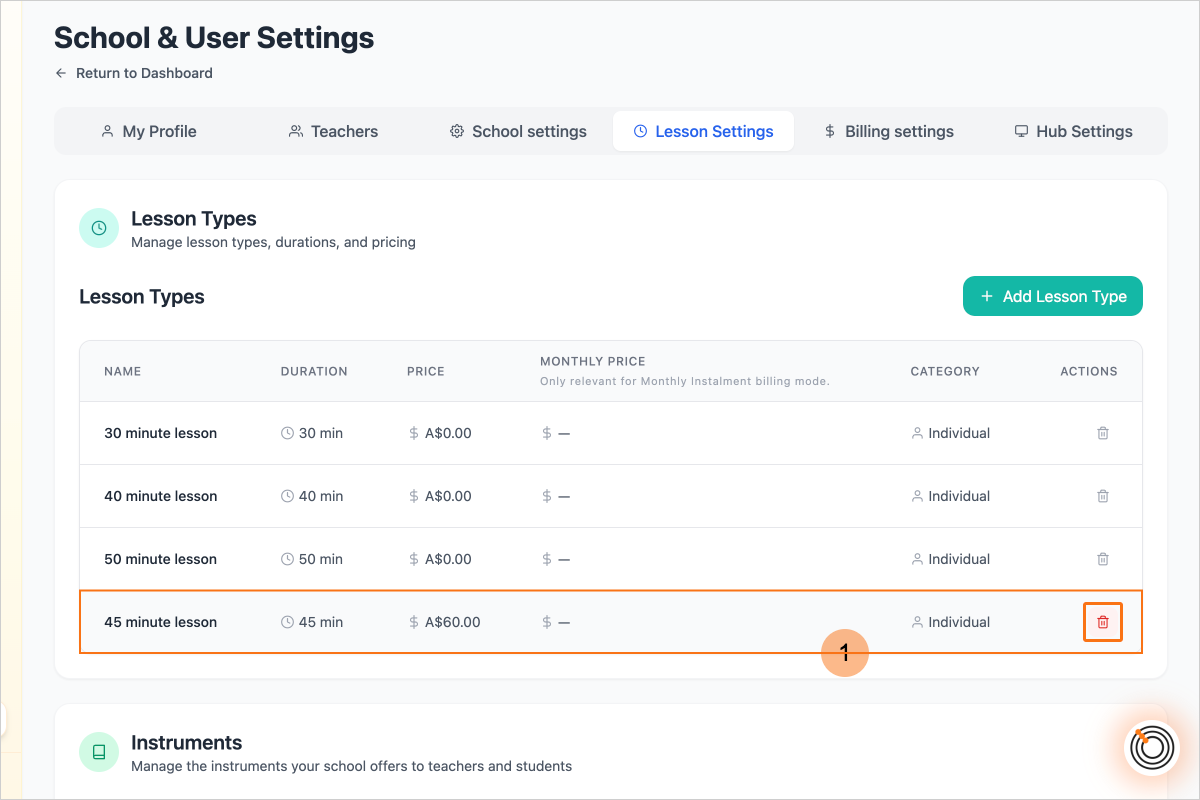
Step 7 — Click on the button "Delete"