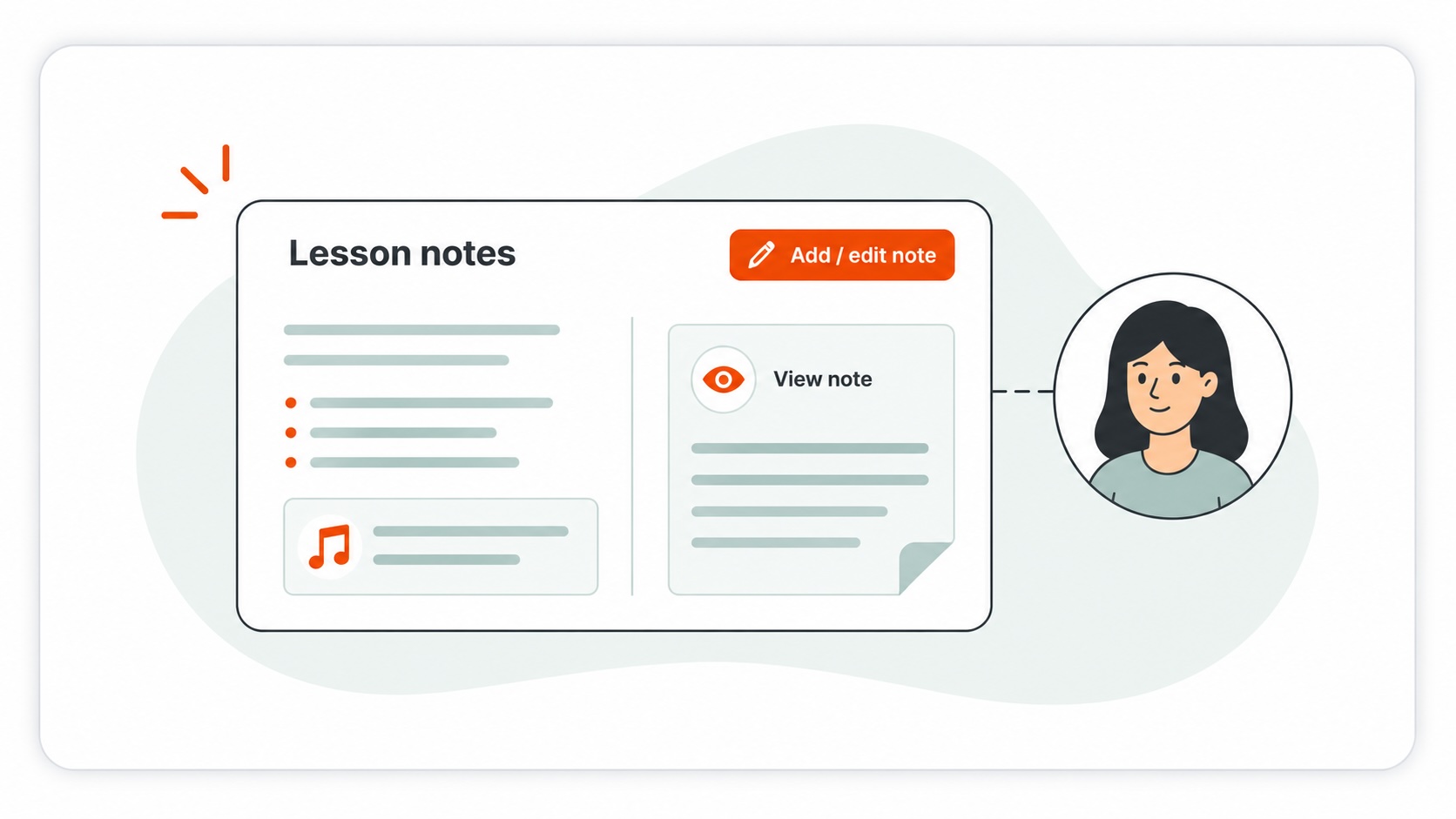
How to add or view lesson notes
lesson noteslessonsstudentslesson cards
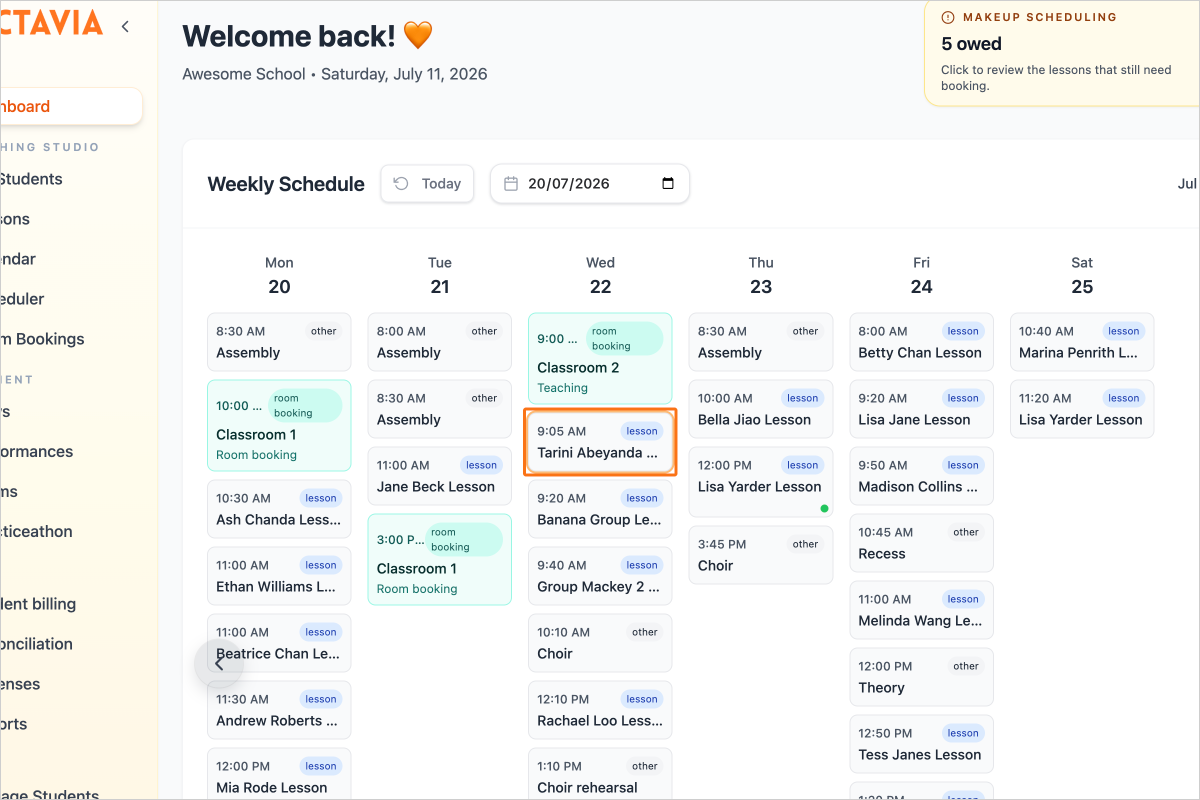
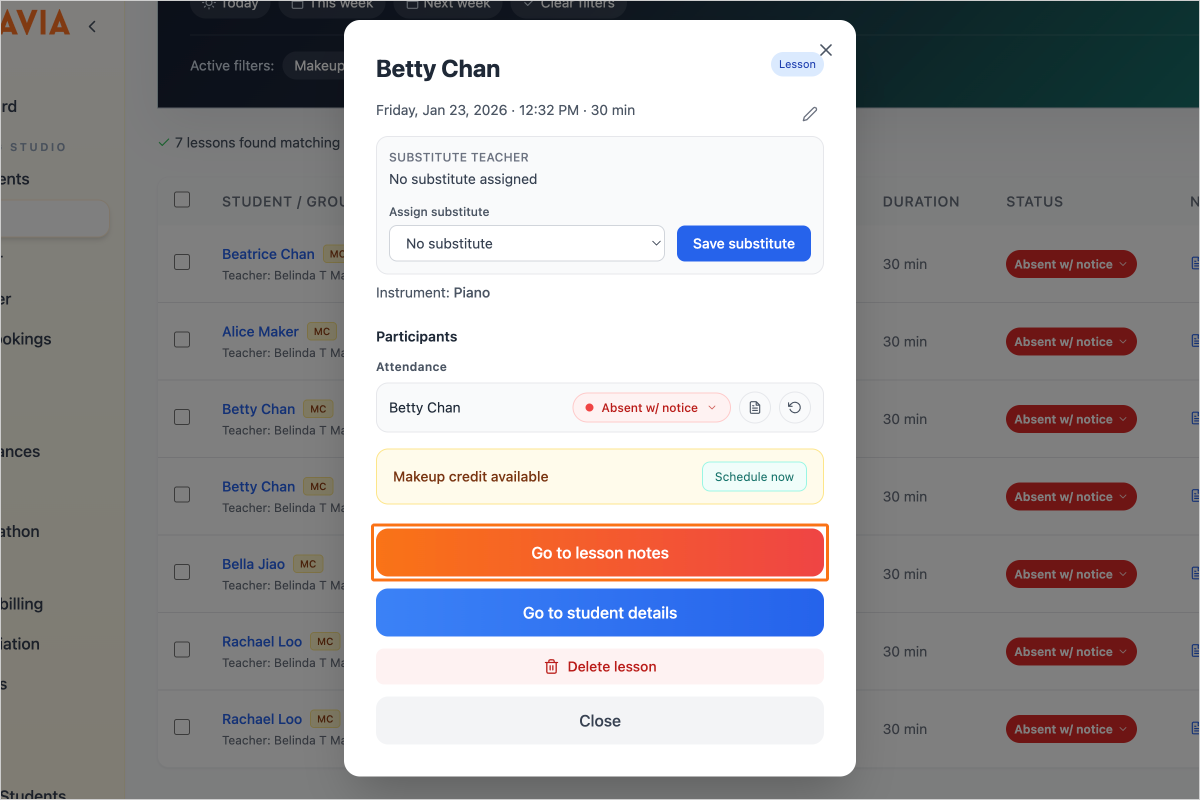
Step 1 — Anywhere you see a lesson card, click on it to open the detail
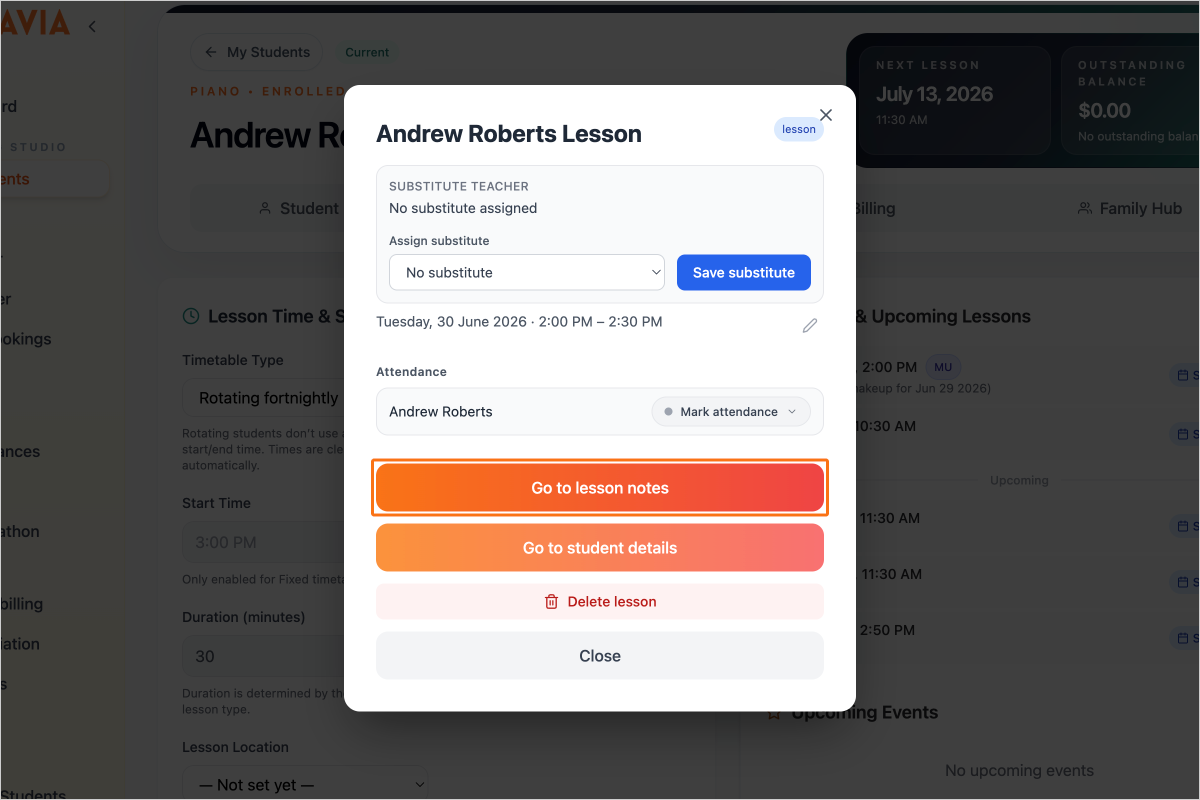
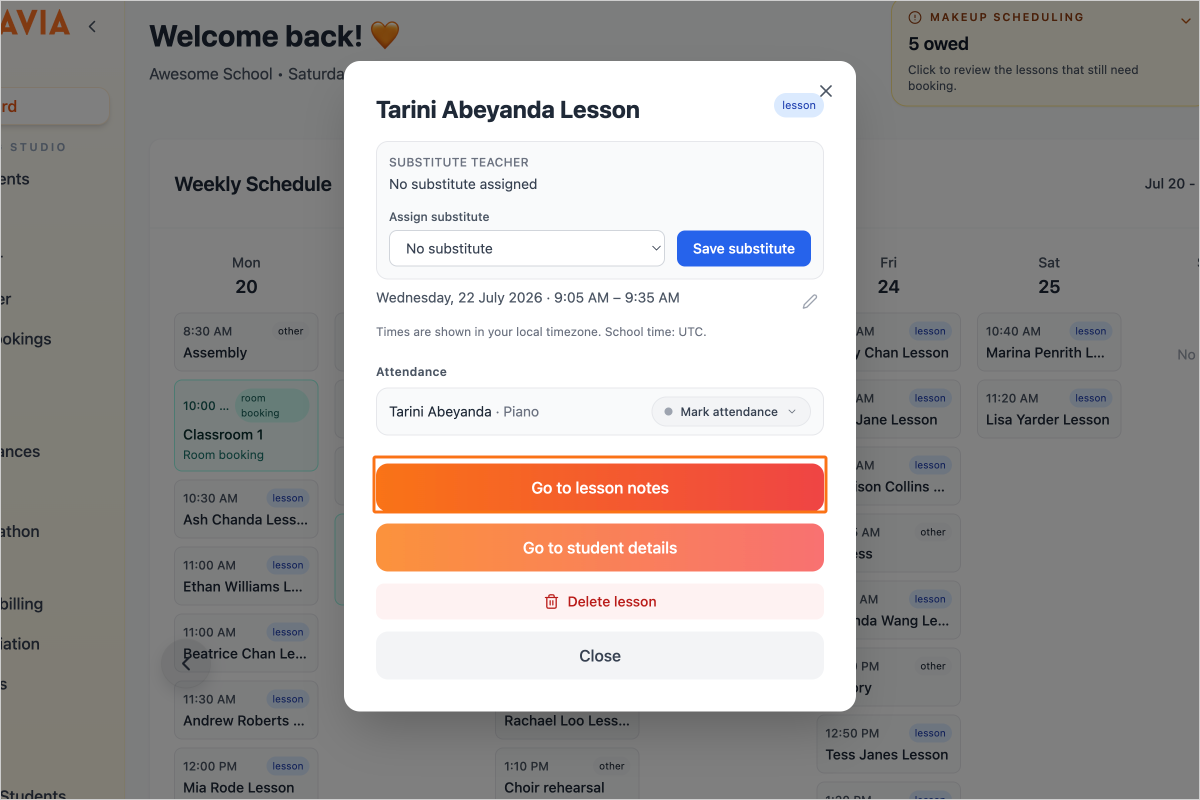
Step 2 — Click on the button "Go to lesson notes"
Step 3 — You can also do this from the Lessons page.
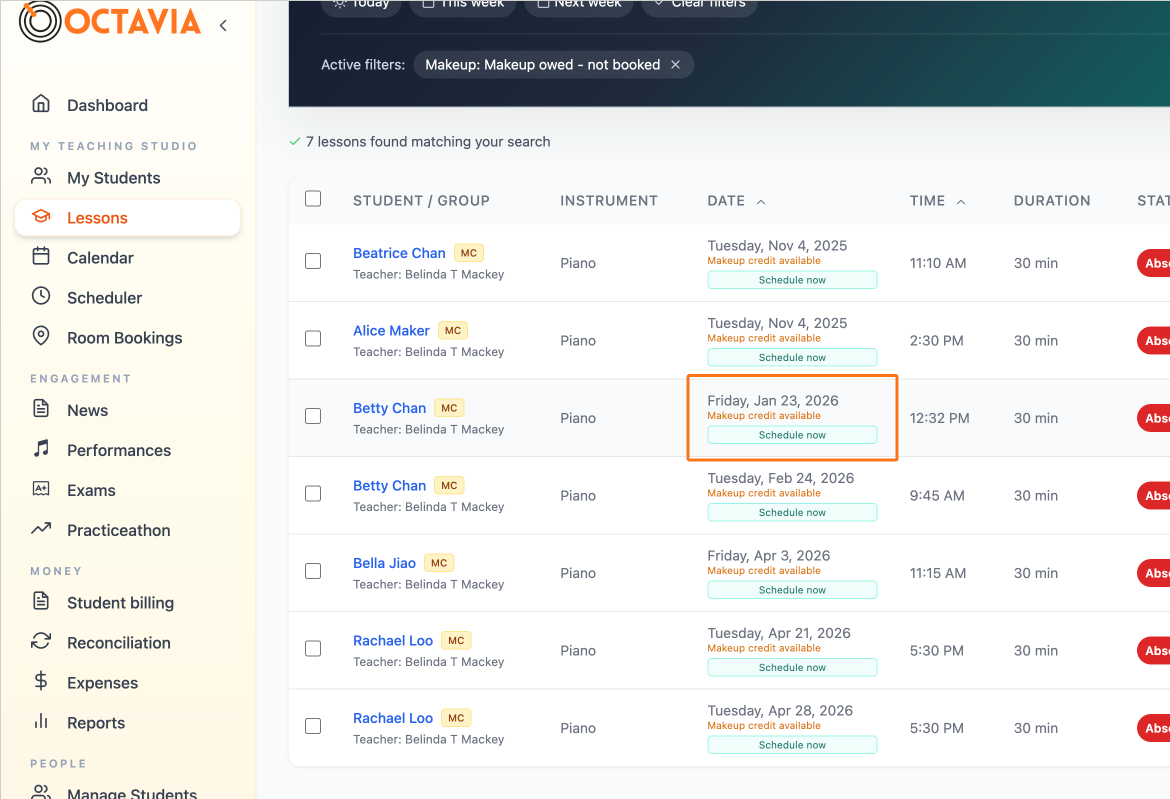
Step 4 — Click on the button "Go to lesson notes"
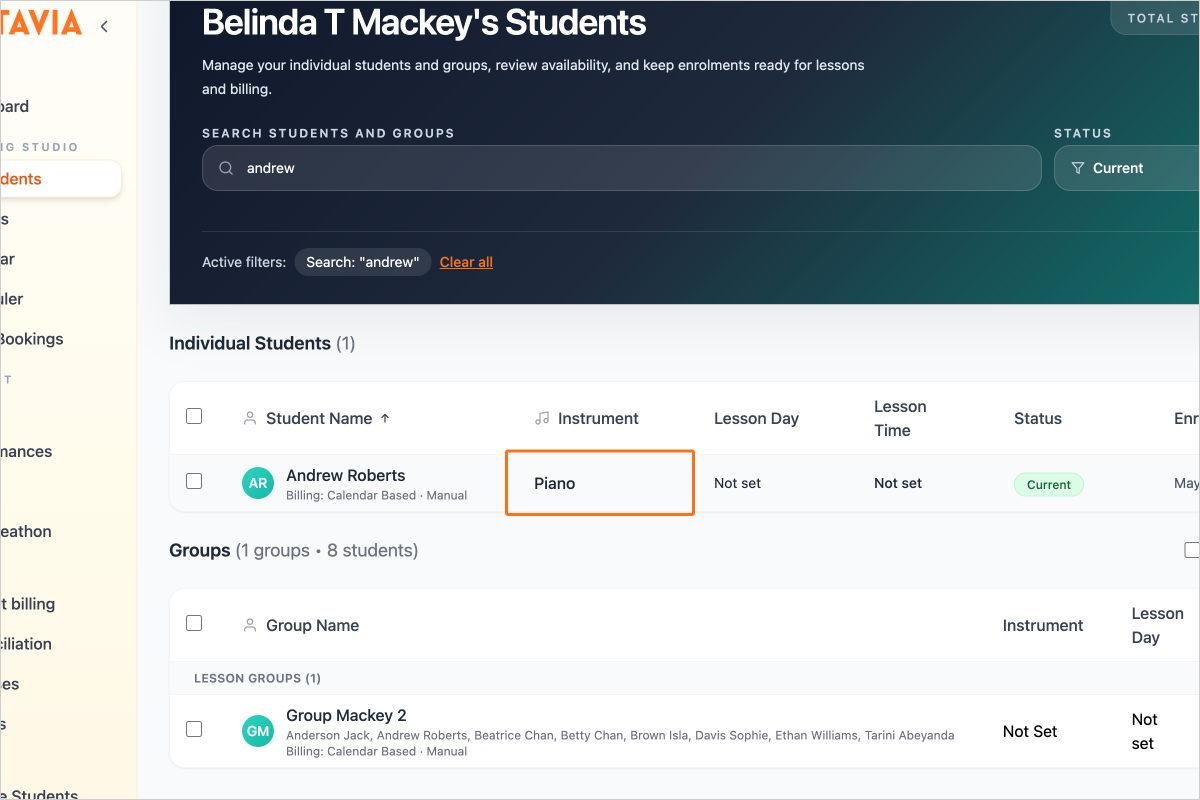
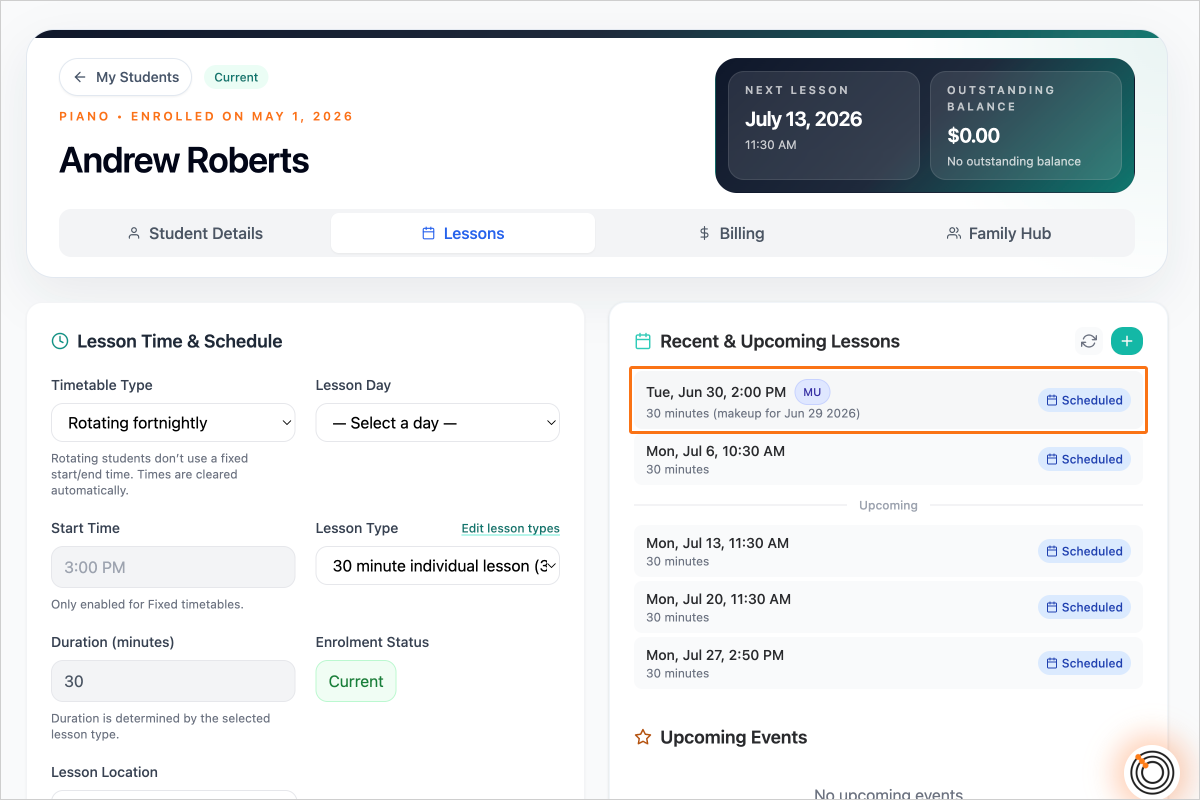
Step 5 — You can also do this by going to the My Students page...
Step 6 — And the lessons tab...
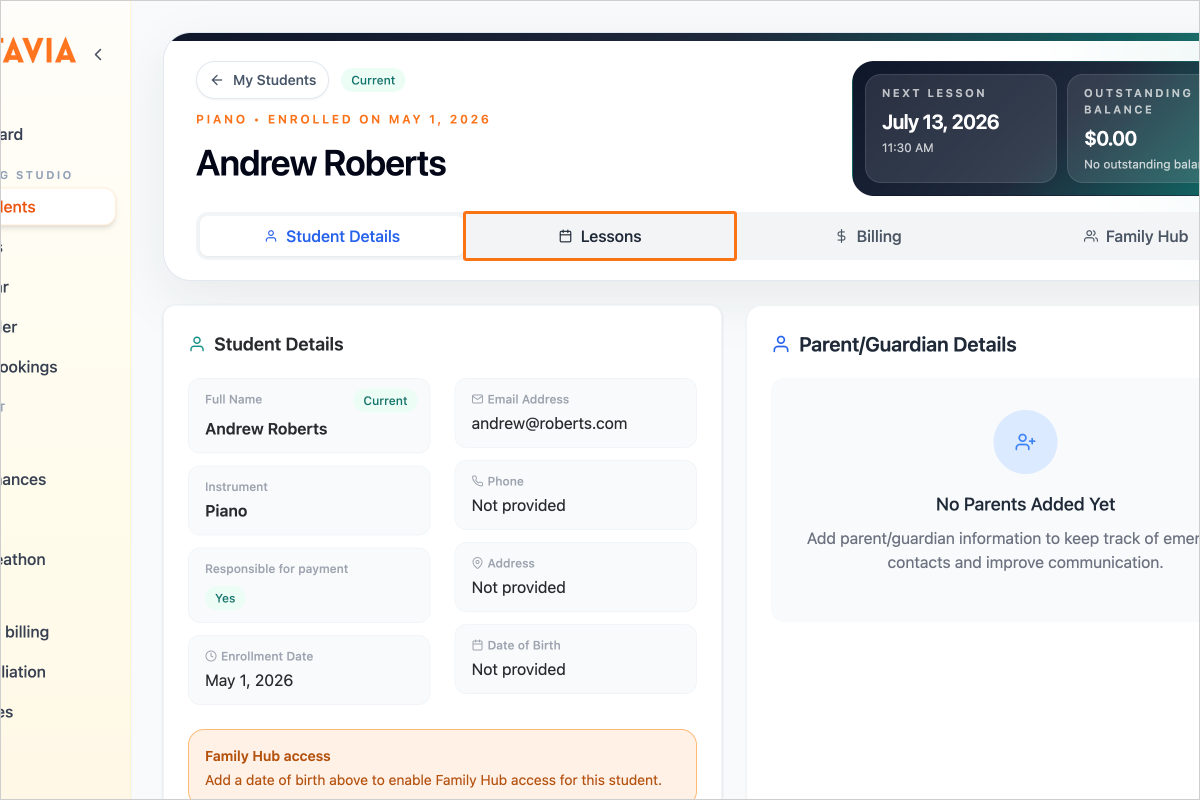
Step 7 — and clicking on a lesson card.
Step 8 — Click on the button "Go to lesson notes"